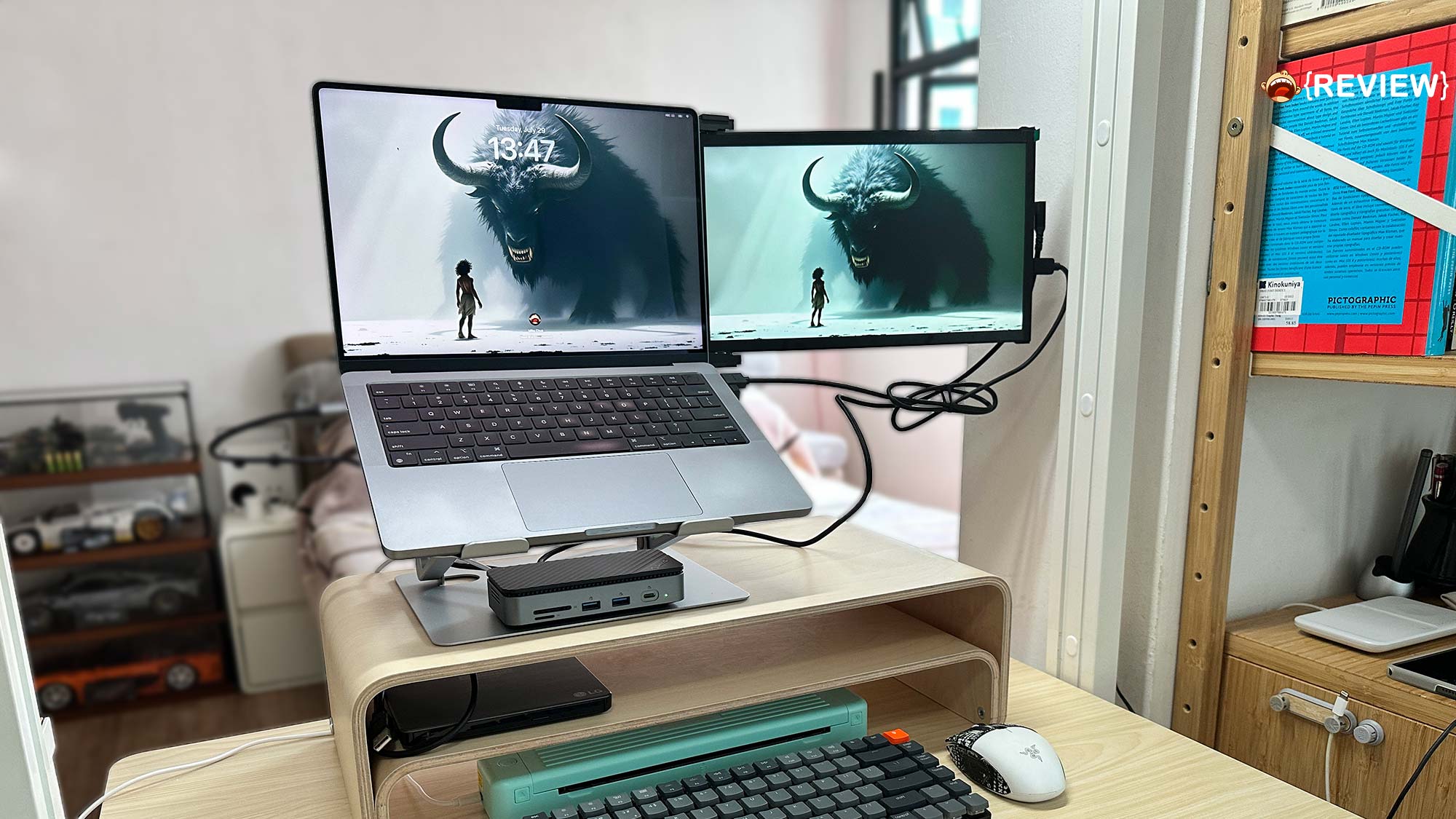
You know that moment when you’re juggling tabs like a caffeinated DJ? That’s when you wish your laptop could sprout another screen. The Duex Plus DS 13.3” is here to do just that—latching onto your laptop so you can stop playing window hide-and-seek. But before you commit to one, you may want to hear about the pros and cons based on my experience with it for the past 6-7 weeks.

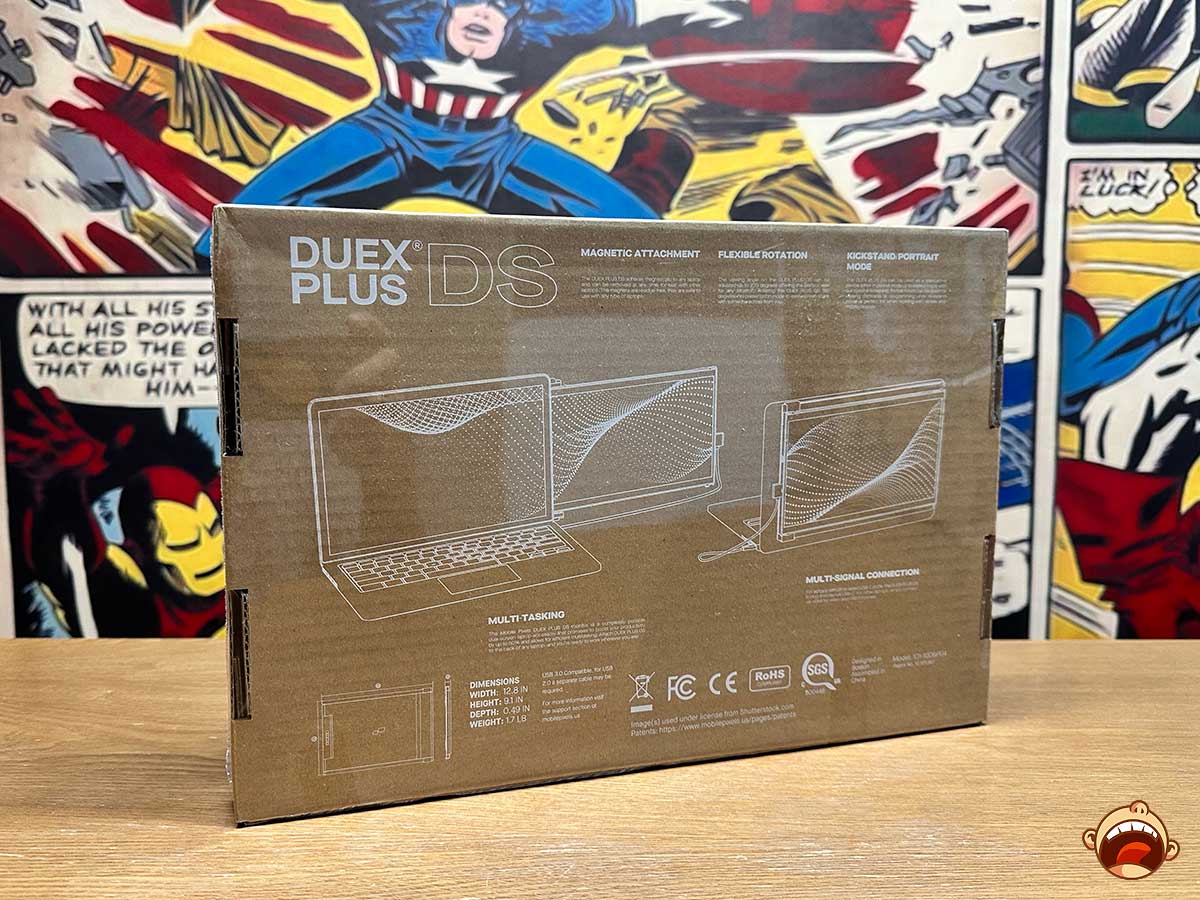

Now, let’s start with the pros. For starter, the Duex Plus DS is affordable compared to existing offerings in the market, and it’s from an established brand to boot. So, you can get worry about reliability out of the way. Because of its size, the screen gives a pretty good visual, though next to a Retina display it can feel a little lacklustre, but hey, you get what you pay for, right? Another obvious boon is that it’s a second screen you can carry anywhere, even to a coffee shop. It has four viewing modes and an eye-care mode, which I don’t care much for since it’s just a second screen that I don’t look at often enough. It’s mainly for side-by-side documents.
The device is touted to be plug-and-play, but I’m not sure if I’m doing it wrong because I need both USB-C and Mini HDMI cables to get it to work. So, as you can imagine, it’s kind of unsightly, and given the neat freak that I am, it can get on my nerves. You probably can get a single-cable setup with a USB-C to HDMI cable — I saw other reviewers do that, but I review it based on the cables provided. Initially, I tried hooking up either cable alone, but it didn’t work, so I ended up using both. Oh, right, it has a USB-C to USB-A cable, which means you’ll need a hub or USB-C to USB-A adapter if your laptop doesn’t have a USB-A port, which adds to your need-to-bring accessories.

Now for the downsides. First, it’s only 1080p and the out-of-the-box color leans toward a yellow tint, so it’s not for graphics or color-grading work (like, obviously!). Then there’s the weight: 1.3 lbs (~590g) is light in hand, but to be honest, it ain’t exactly light, weighing down on an open hinge of a laptop. The latter is super obvious, and not going to lie, I have an unsettling feeling about it. I’ve used it for more than a month, and every time I flip open my MBP, I feel the stress. Normally, when you open an MBP, you get that subtle resistance but smooth opening experience. With this little guy latched on the back, once you open the screen beyond a certain angle, you can feel a force that makes it open quicker than it should. I mean, that cannot be good in the long run, right?
The magnets are another thing that irks me. They are placed on your laptop cover via adhesive, and if you remove the screen for times when you do not need it, they can be quite unsightly. It’s a trade-off between aesthetic and practicality, I guess.
Recommended or not really depends on your use case. If you need an extra screen for full-on multitasking, or just to save yourself from gesturing to get to other windows when on the go, it’s the ideal solution. But if you are mostly desk-bound, maybe it’s not the ideal solution. Honestly, I fear for the hinge. I seriously do.
In any case, if you want one, well, we have good news. The Duex Plus DS is now 15% off, at US$219.99 (U.P. US$259.99).

Full disclosure: Mobile Pixels sent me this, but did not actually ask us to review it. We did anyways. Everything you have read 100% me—no scripts, no brand whispering in my ear.
Images: Mike for Mikeshouts.