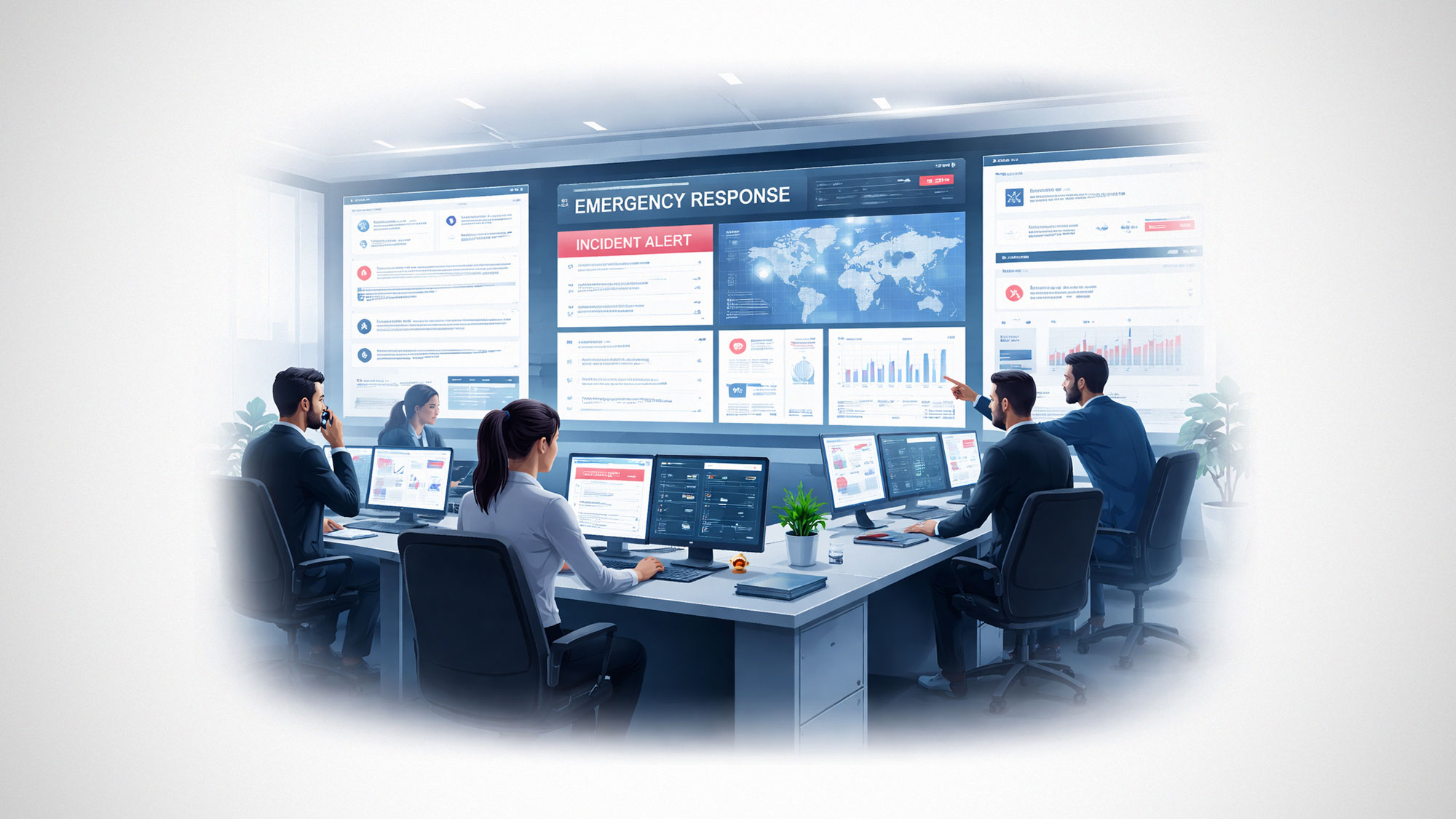
When a crisis hits, the biggest threat to your business isn’t just the event itself; it’s the chaos of scattered information. If your team has to jump between five different apps to find a contact list, check server status, or get a legal sign-off, you are losing valuable time. In an emergency, every second spent “tool-switching” is a second you aren’t solving the problem.
Managing the unexpected requires a move away from reactive scrambling toward modern project management tools. When your communication, documentation, and data live in one place, your “war room” is always ready. Here is how a synchronized setup helps you handle high-stakes situations without the usual administrative friction.
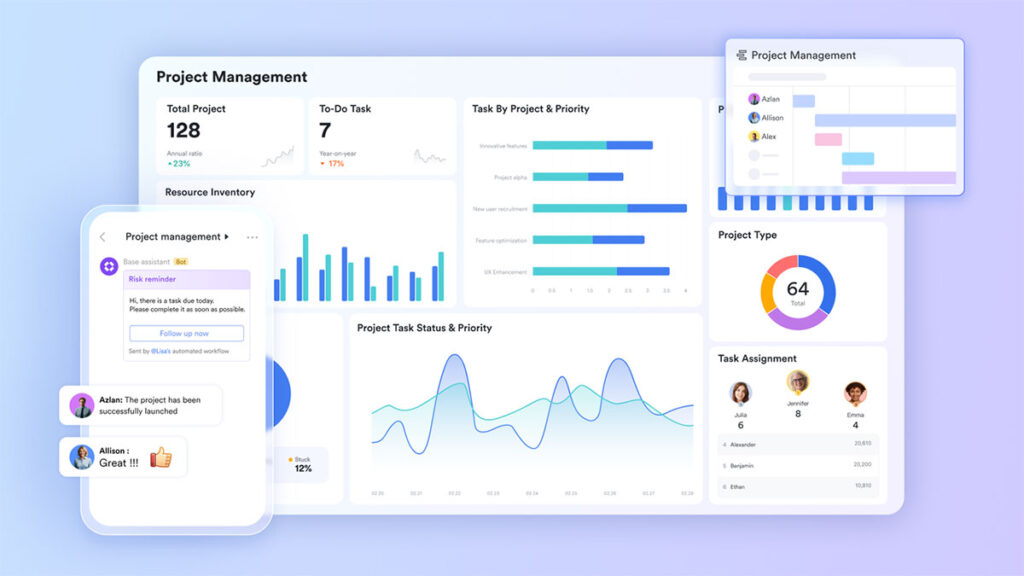
Rapid response deployment with Lark Messenger
The first hour of a crisis often dictates the outcome. In a fragmented setup, this time is usually wasted manually adding people to email threads or hunting for phone numbers. Lark Messenger acts as the immediate engine for emergency coordination. You can spin up a “Crisis Room” as a group chat and pull in leaders from legal, PR, and operations in seconds. The “Pin” feature allows the response lead to fix the latest situational report to the top of the chat, so anyone joining the thread late is immediately up to speed without needing a manual briefing. By utilizing native connectors for project management tools, technical alerts, or incident tickets flow directly into the channel, letting everyone see the situation as it evolves.
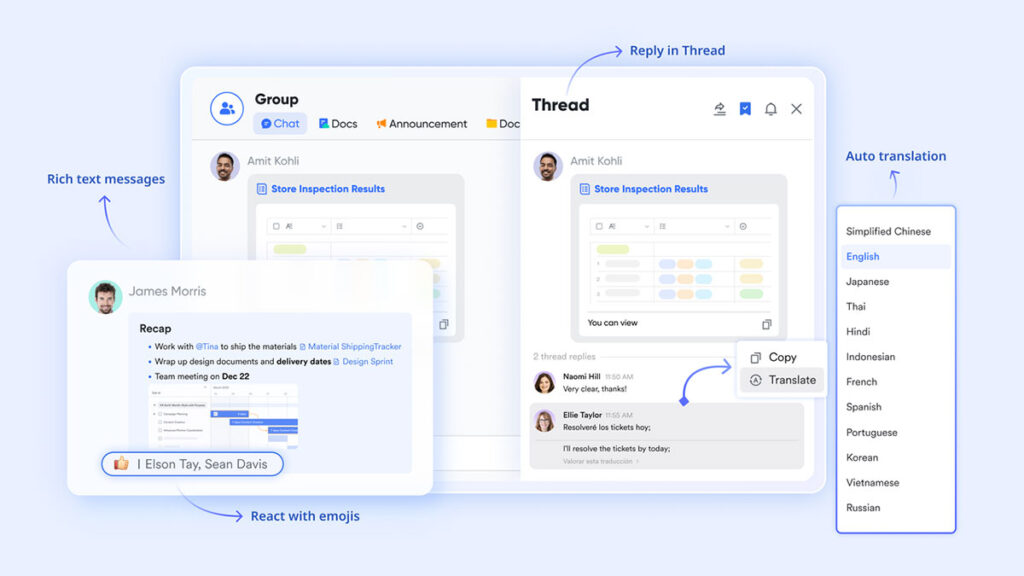
Capturing every decision with Lark Minutes
During a crisis, decisions happen fast, often in intense video meetings. Losing the “why” behind a decision can lead to major headaches during a later audit. Lark Minutes serves as the permanent, searchable record of your response. By turning every video briefing into a full transcript, you make sure all verbal agreements and technical assessments are caught. Those on the front lines who can’t attend a live briefing can simply search the transcript for their department’s name to find their specific instructions. Many firms find that having this level of built-in recording and transcription is essential for maintaining a clear paper trail during an emergency.
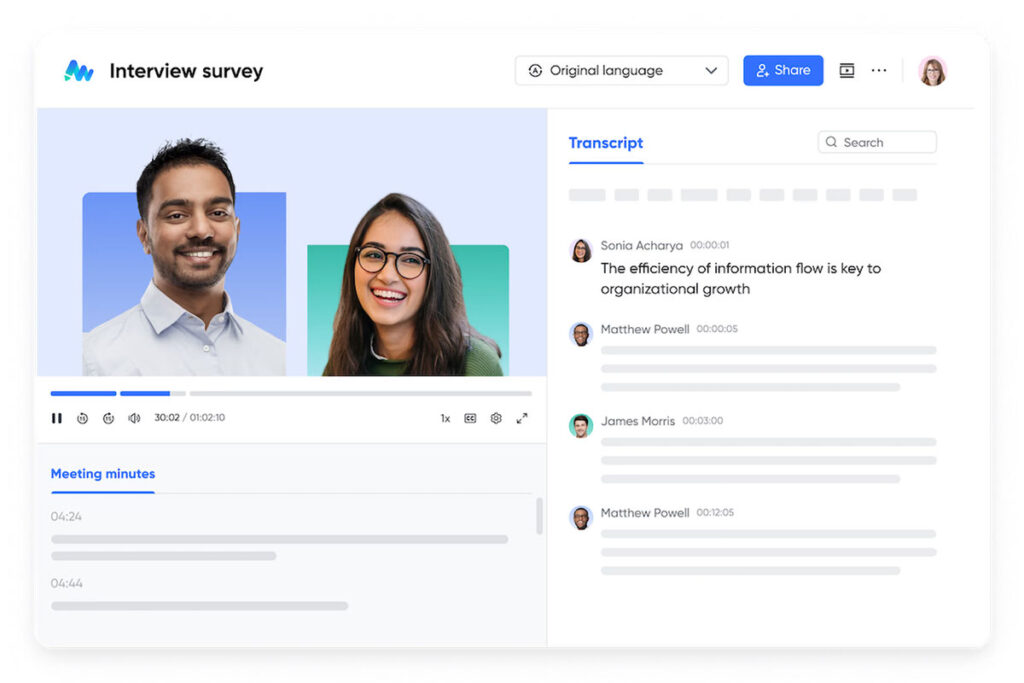
Keeping the playbook centralized in Lark Wiki
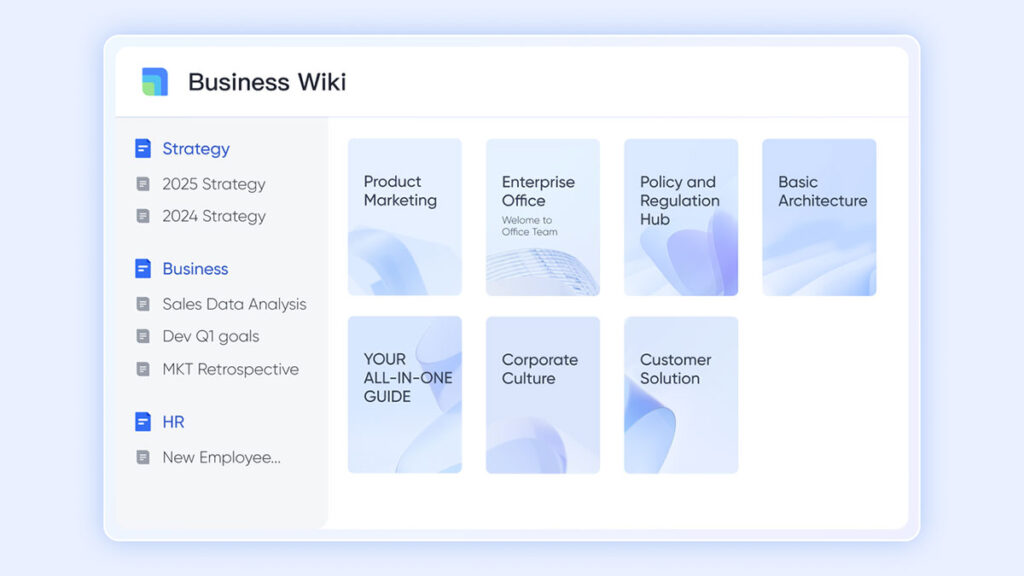
A crisis is the worst time to find out your “Emergency Plan” is an old PDF buried in someone’s inbox. Lark Wiki provides a live repository for your response playbooks and SOPs. In a unified hub, the Wiki isn’t just a document; it’s a knowledge base for organizing and displaying important organizational information. If the strategy changes mid-crisis, the update reflects across the whole company instantly. As a core productivity tool, the Wiki ensures that every employee knows where to find verified information, which helps stop the spread of rumors and keeps everyone on the same page.
Real-time tracking with Lark Base
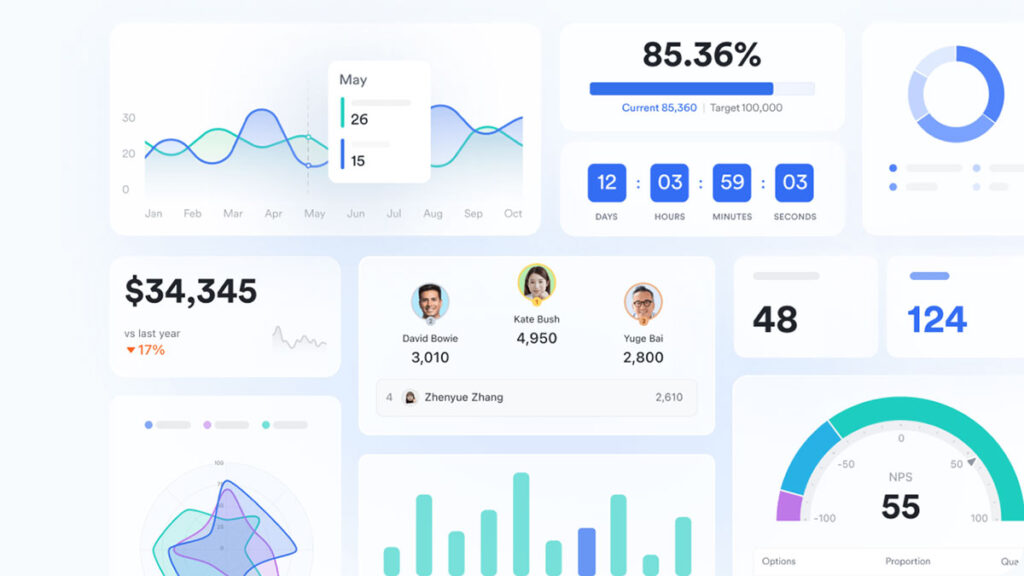
In an operational emergency, like a supply chain break, you need to track moving parts across different regions. Lark Base provides a relational database that lets you monitor these variables in real-time. By moving away from static spreadsheets, you can create “Incident Dashboards” that bring data from every department into one view. With the built-in no-code workflow builder, you can track affected units or customer complaints in a workspace where every update automatically notifies the right manager. Status flags can be set to alert the executive team via Messenger the moment a metric enters a danger zone, enabling rapid intervention before things worsen.
Coordinating logistics with Lark Calendar
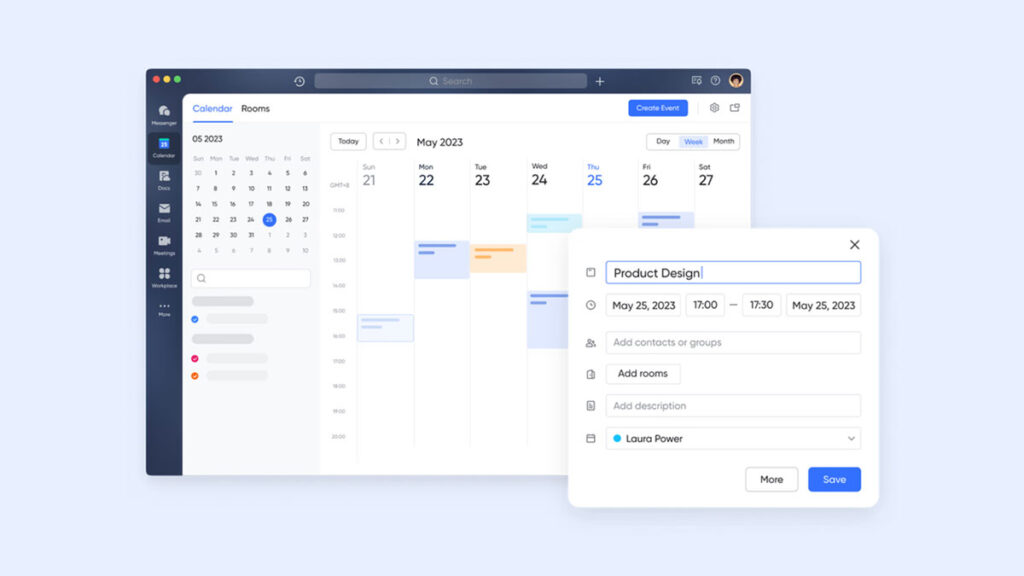
Emergencies don’t care about time zones. Lark Calendar synchronizes your team’s schedules to ensure the response team is always covered. During a crisis, the “Find a Time” feature helps you locate the small windows where experts across different time zones are available to talk. Public scheduling links also let the team book urgent calls with colleagues without the back-and-forth of email. By linking existing documents directly when configuring the weekly conference, the system ensures everyone joins with full context. This eliminates the need for repetitive briefings, so you can stop wasting time and start making decisions.
Speeding up sign-offs with Lark Approval
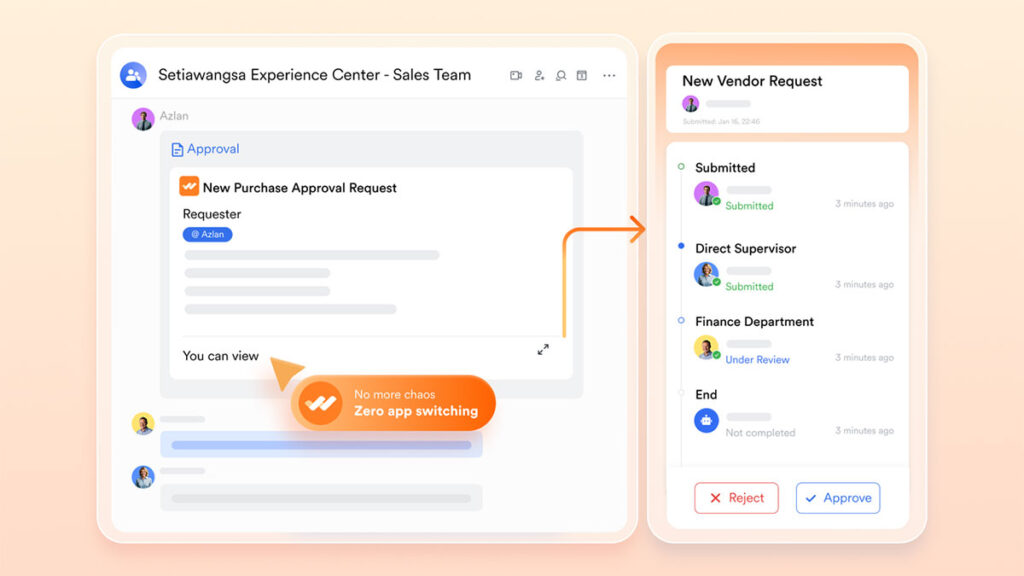
The most dangerous part of a crisis is waiting for an executive signature—whether for emergency spending or a press release. Lark Approval moves these hurdles into the Messenger flow. A PR lead can submit a statement, and the CEO can approve it with a single tap from their phone, no matter where they are. This removes the “chasing” of signatures and makes sure every action is authorized and documented. By automating the routing of these requests based on the severity of the situation, you make sure the response moves as fast as the crisis itself.
Bonus: Why jumping between too many apps fails when you’re in a rush
When a business is running smoothly, using different tools for different tasks feels like a small hassle. But when a sudden problem hits, that small hassle becomes a major risk. Many owners start by checking Google Workspace pricing to set up basic email and file storage. However, as they grow, they often end up adding “patches” to their system—like Slack for quick chats, Asana for tracking tasks, and Zoom for emergency meetings.
The trouble is that these apps are like “islands” that don’t talk to each other. In a crisis, your team ends up wasting precious minutes just moving information around. They might have to copy an error report from a chat into a spreadsheet or search through three different apps just to find an emergency contact list. This is a “hidden tax” on your time. You aren’t just paying for several different monthly bills; you are paying for the minutes your team loses acting as a bridge between broken tools.
Lark fixes this by putting your emergency chats, project trackers, and documents in one single home. When everything lives in the same spot, you don’t have to go on a “search and rescue” mission just to find a simple answer. You aren’t just saving money on software; you are giving your experts their time back so they can focus on fixing the problem instead of managing the apps.
The bottom line
Crisis coordination isn’t about having a perfect plan; it’s about having the right infrastructure to execute that plan when things go wrong. A fragmented digital environment only adds to chaos. By moving your operations into a single, synchronized environment and a modern set of productivity tools, you get rid of the silos that hide information and the constant app-switching that breaks focus.
You aren’t just reacting to an emergency; you are building a resilient business where the software handles coordination, so your leaders can focus on making the right calls. When your data and your dialogue live together, the path from “Incident” to “Resolved” becomes a straight line.
Disclaimer: This article is for informational purposes only and should not be considered professional business or crisis management advice.
