While Xiaomi puts a second display on the back of its phone that is perfect for framing selfies, Oppo lets its users have a separate display to do the same. Meanwhile, Rollme has the VisionCase, which lets iPhone 17 users do the same. Vivo is not about to let its users, specifically Vivo X500 Series users, lose out in this aspect.
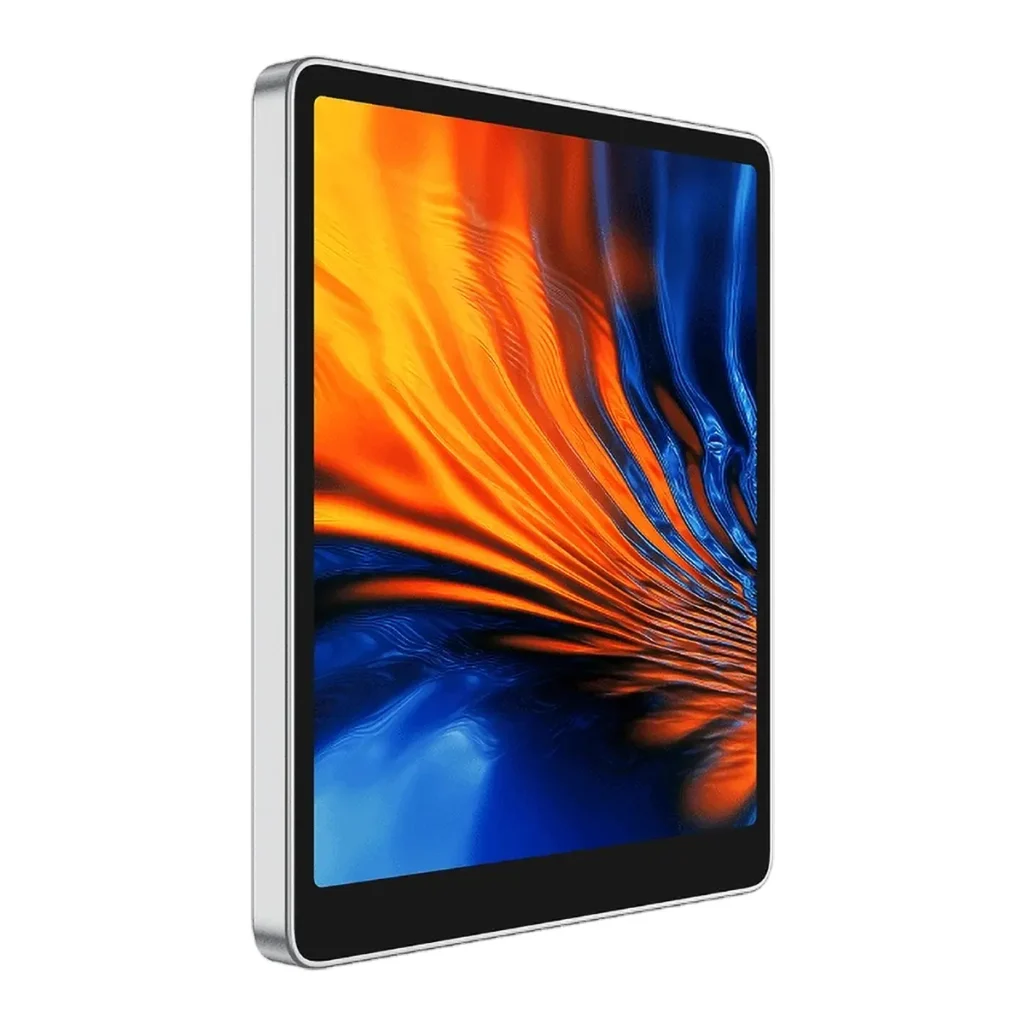
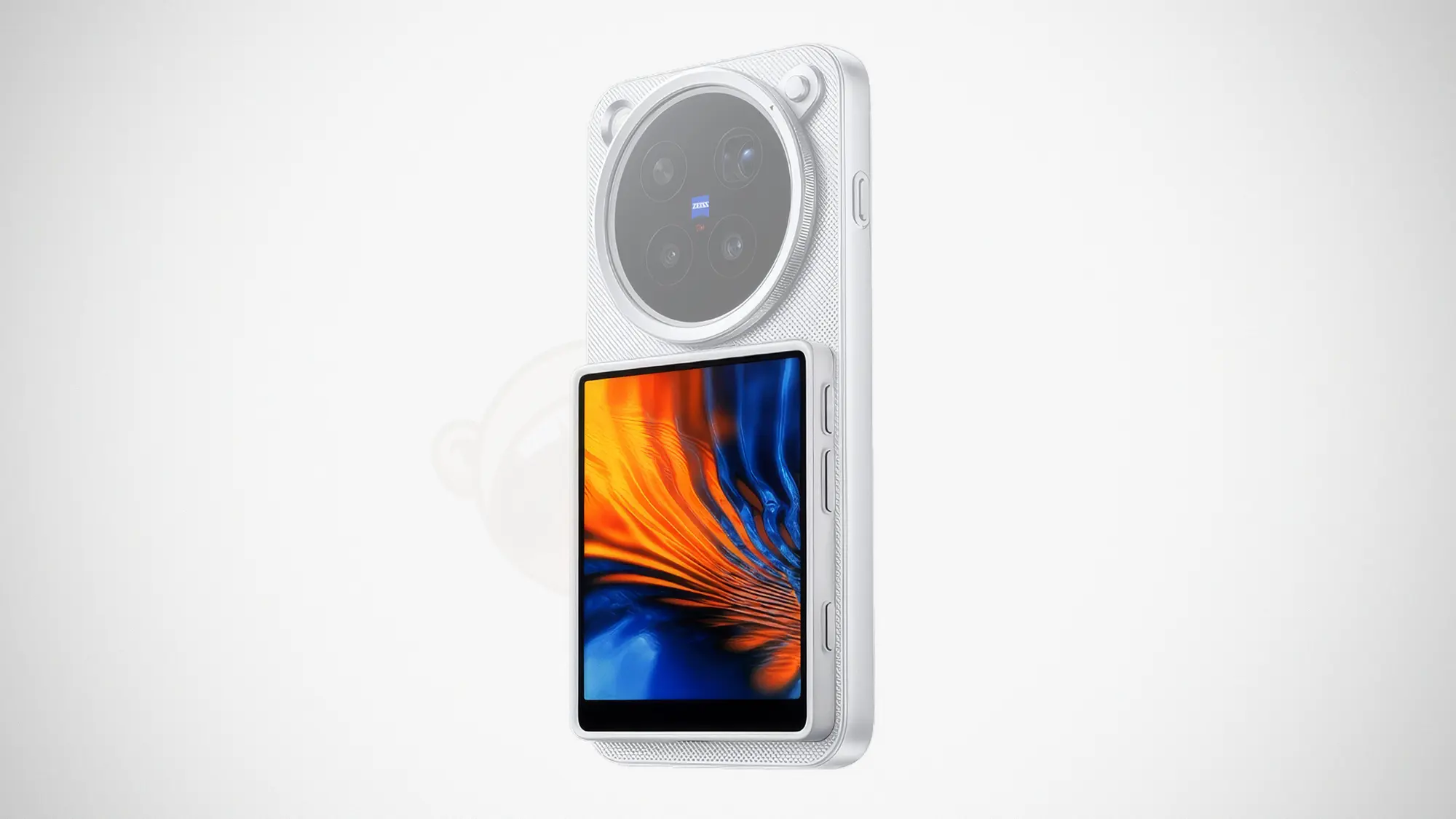
Introducing the Vivo On-The-Go Camera Display*. It is essentially the Oppo Bubble and then some. “Some” would be an understatement. For starters, it does not take the cute route. It does not offer you adorable animated characters.
The device has a squarish design that matches the new X500 Series. It features a large 3.92-inch AMOLED touchscreen display on a body that is just 5.65 mm thin.
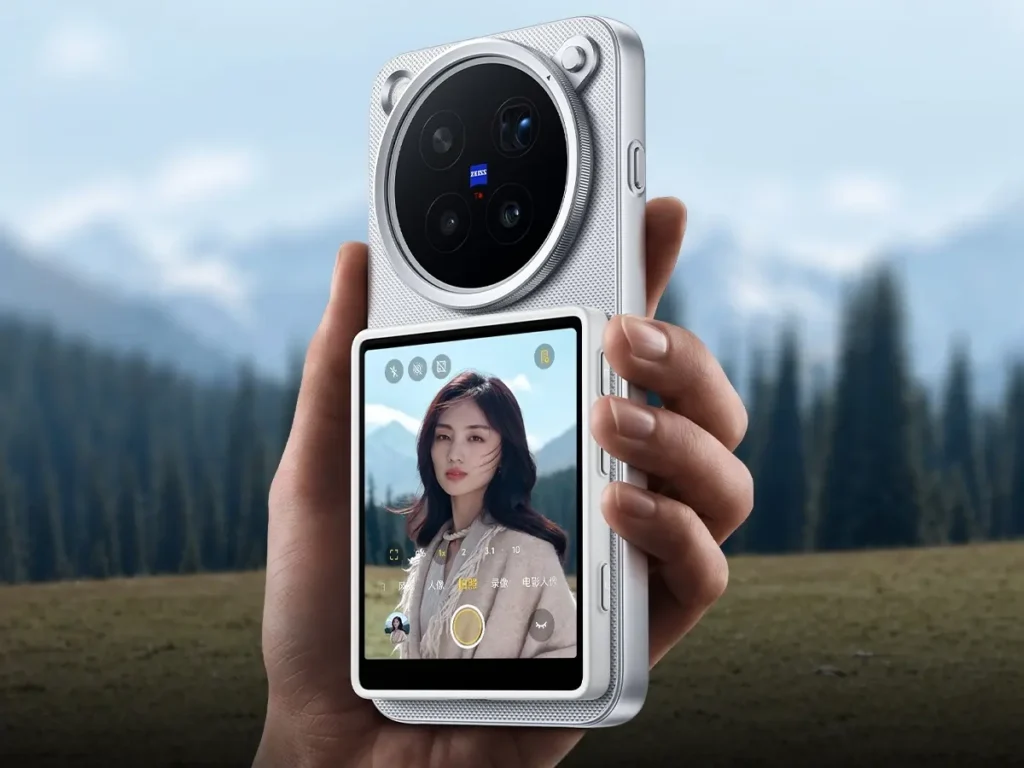
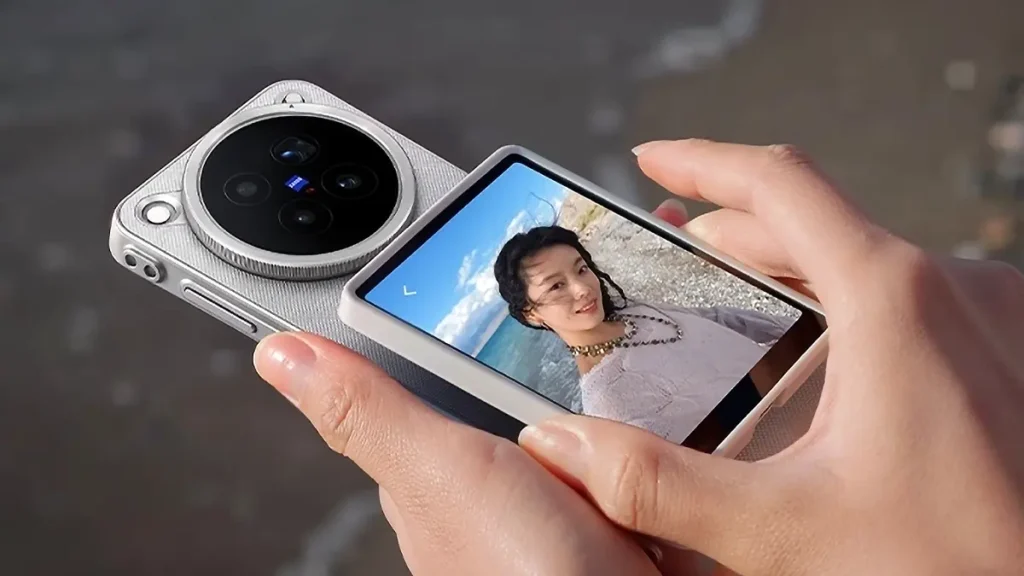
When paired and wirelessly connected to your Vivo smartphone via Bluetooth, the Vivo On-The-Go Camera Display not only serves as a viewfinder for framing shots and remote viewing from up to 10 meters away, but it also becomes the camera control interface when using the main cameras.
The phone basically transfers the imaging controls that you will find on the X500 imaging interface onto this touchscreen display, allowing total control, including exposure, focal length, photo modes, turning the flashlight on or off, starting video recording, and more. What you can do the traditional way on the main display can be executed here.
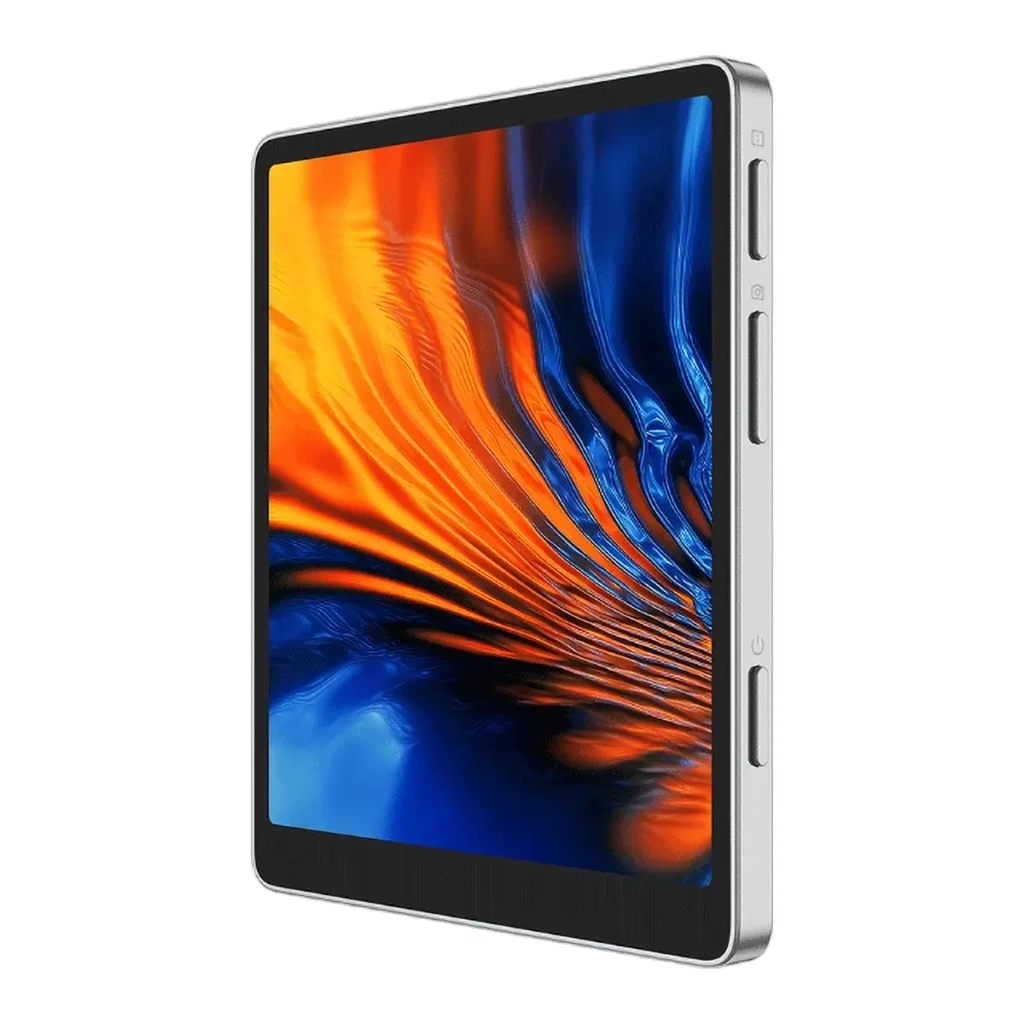
In addition, there are hard buttons for adjusting the screen brightness and taking photos, along with a power button. Save for the power button, the other buttons are multifunctional. You can switch the display between a mirror image and a true image, shoot bursts, and more.
However, since it is a wirelessly connected unit, expect some level of lag in terms of what you see on the display. So, if you are looking to set up a pro-grade filming unit with a remote display, this is probably not it.
Interestingly, if you switch the camera to the front-facing camera, the Vivo On-The-Go Camera Display will turn blank and show a prompt saying that the selfie camera is in use.
The device comes with a magnetic protective case that allows it to attach magnetically to the back of a naked X500. You can also order the device with a special magnetic case for the X500 if you desire to use the Vivo accessory with a case.
The Vivo On-The-Go Camera Display has been launched in China, starting at 599 yuan [CH] (about US$90).
* “On-The-Go Camera Display” is loosely translated from Chinese. It is not the official English product name.
Images: Vivo [CH].